Portfolio Project 1 - Museum App
Product
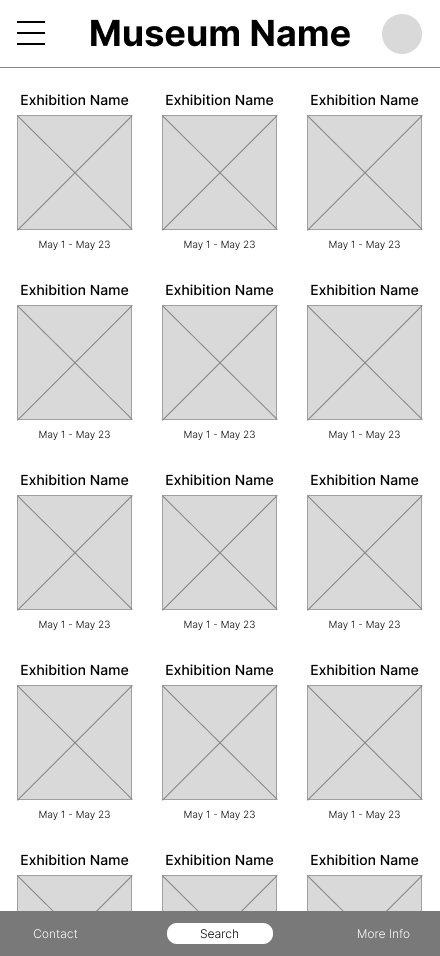
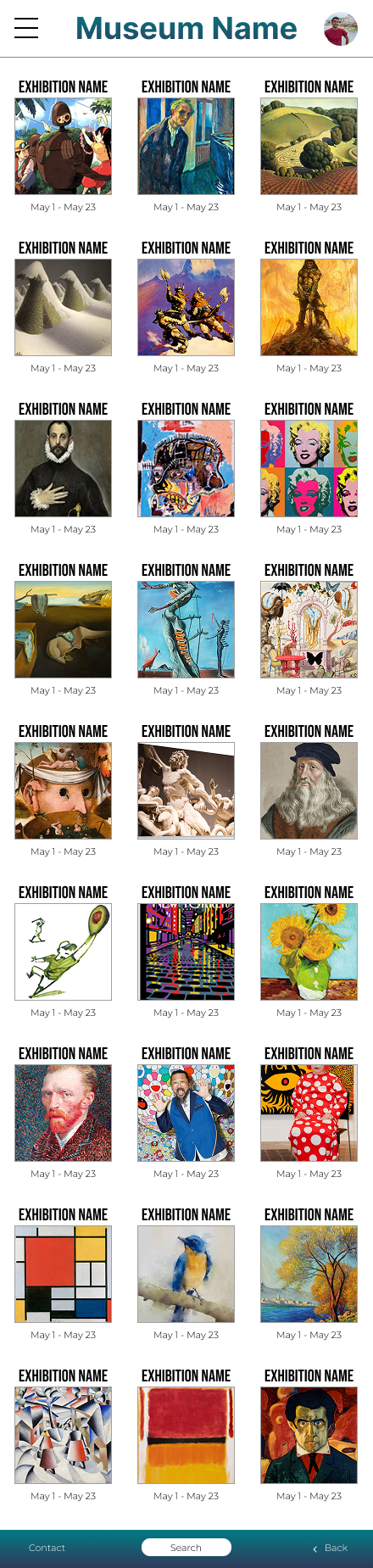
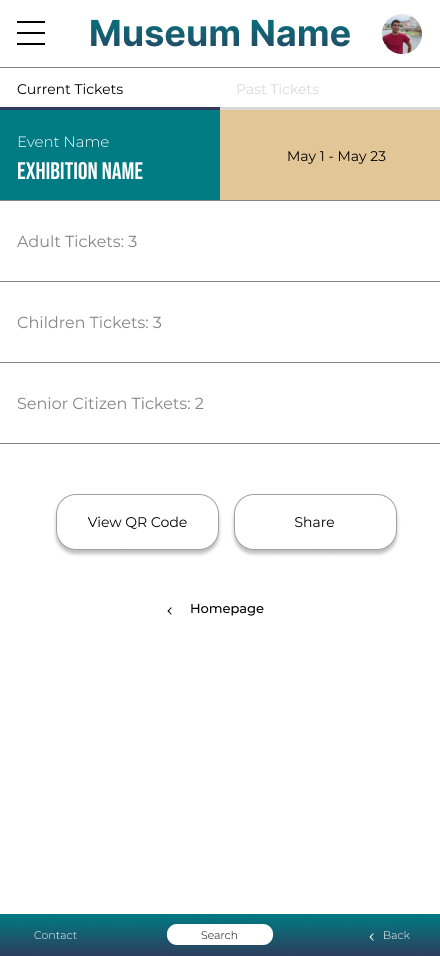
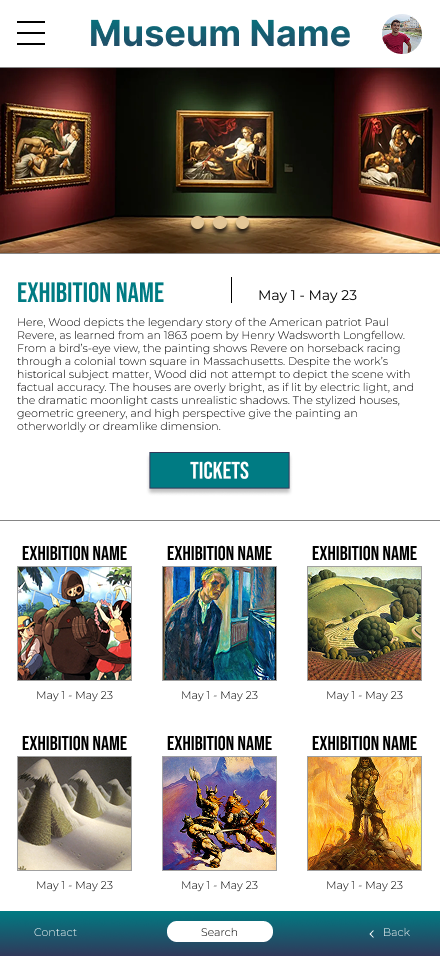
An app and a responsive website for a public art museum to advertise exhibitions and events, provide museum information to patrons, and enable patrons to schedule visits.
My Role
This is an individual project that allowed me to plan and direct each step of the design thinking process as a UX design student with mobile and web UI design experience.
Project Goals
The goal was to create an intuitive and accessible app and responsive website that make it easy for patrons to discover exhibitions and events, find essential museum information, and seamlessly schedule visits. The design aims to improve engagement, reduce friction in planning a visit, and encourage more people to attend the museum.
Target Users
The target audience of the app was museum visitors and potential patrons, including first-time visitors, returning guests, tourists, and local community members. This audience ranges across age groups and levels of technical familiarity and includes users who want to quickly find exhibition information, plan a visit, and purchase tickets on their preferred device.
User Research
The research I conducted combined both secondary research and user interviews to gain a comprehensive understanding of the target audience. Through reviewing existing studies and conducting direct conversations with users, I found that the majority of museum-goers tend to be older adults who are generally more educated. This insight helped shape the direction of the project by highlighting the importance of designing experiences that are intellectually engaging and accessible to an older, more informed demographic.
Overview
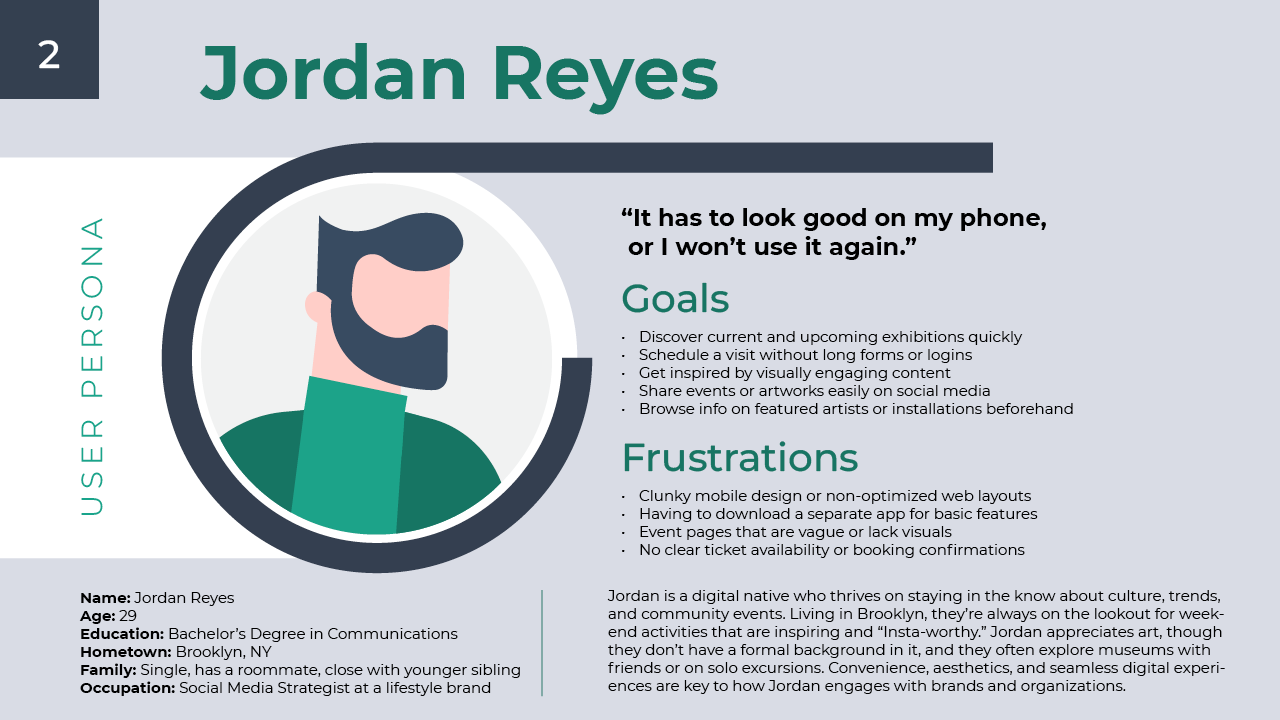
User Persona
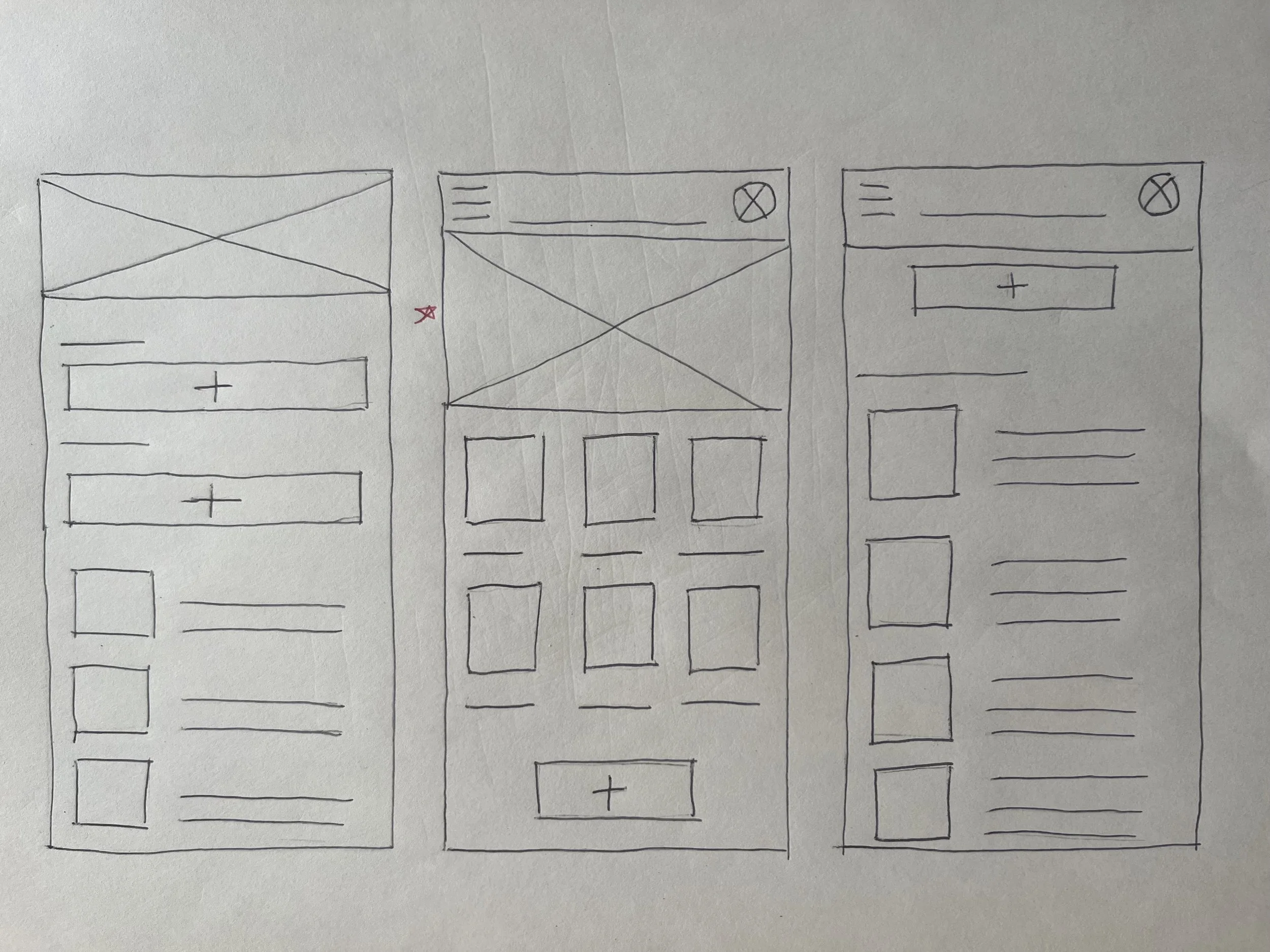
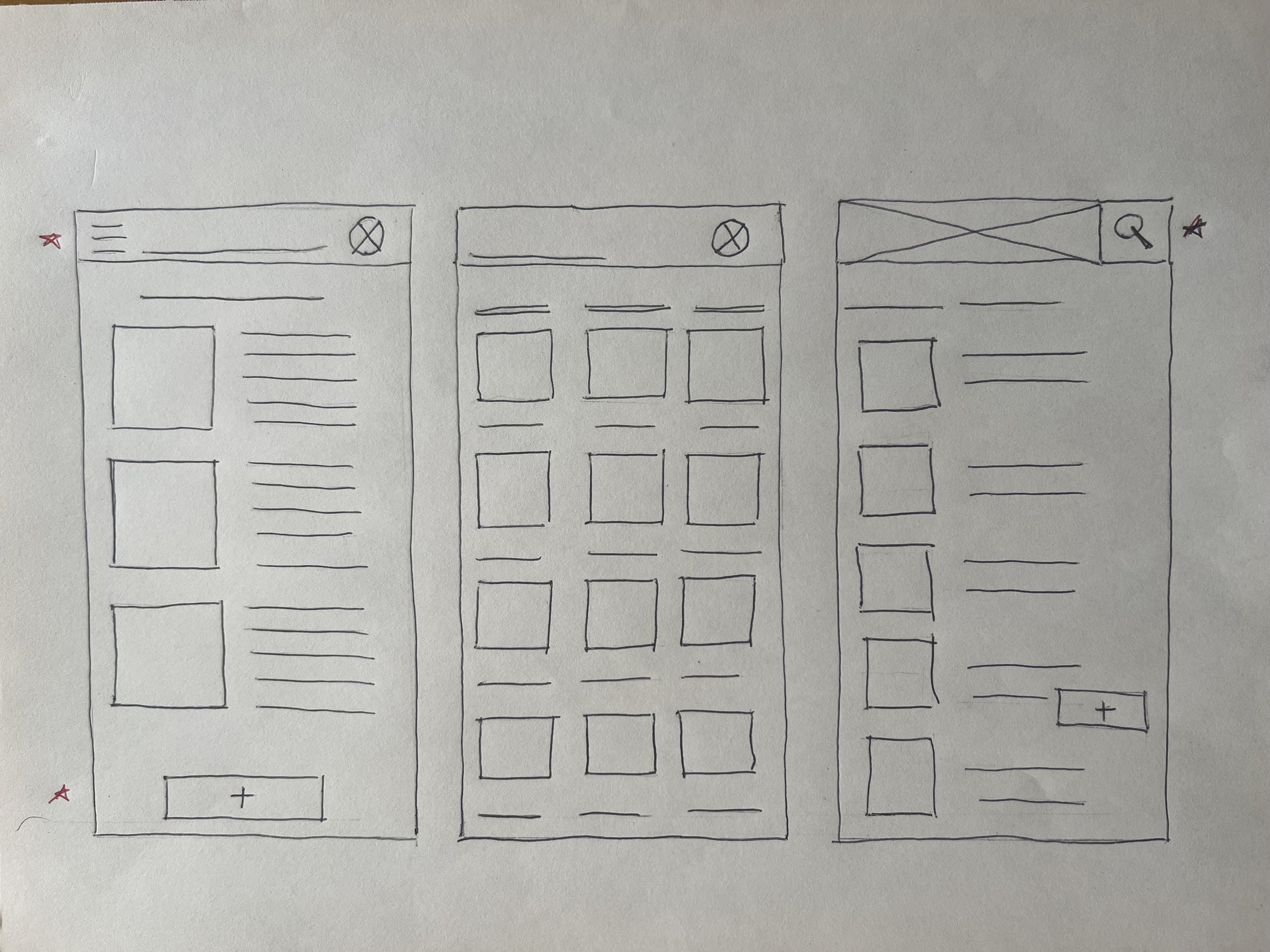
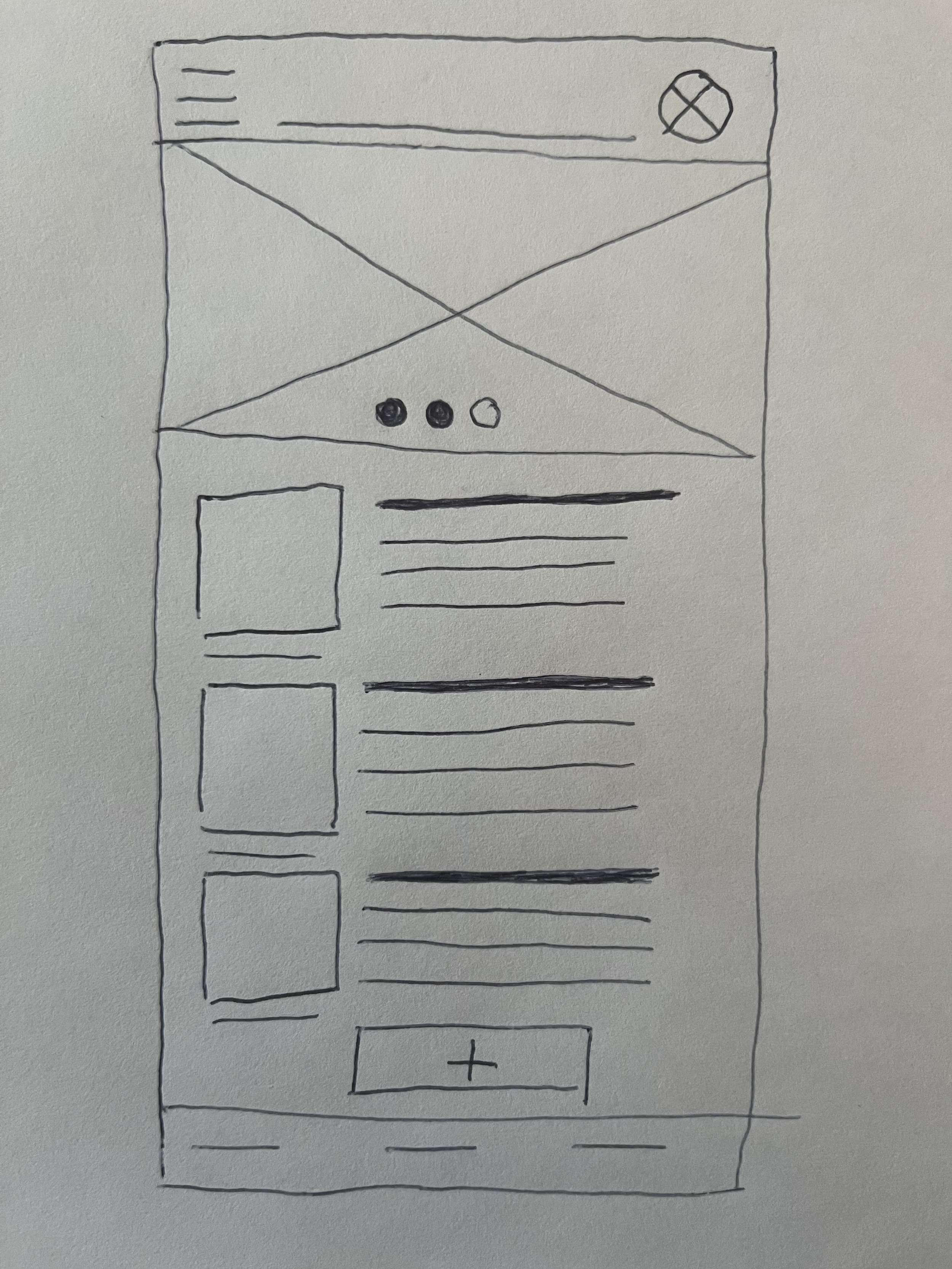
Paper Sketches
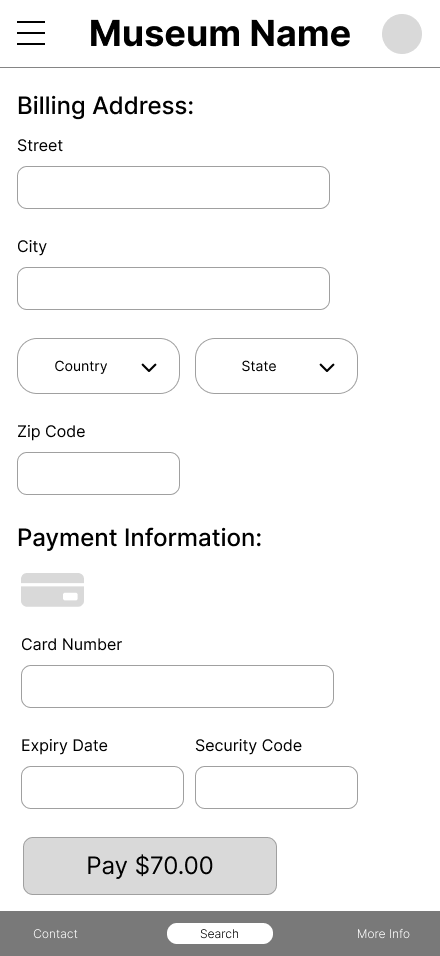
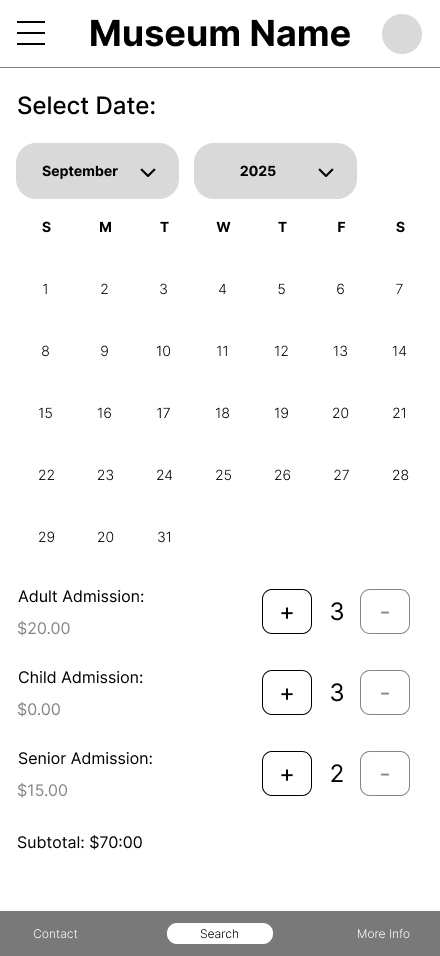
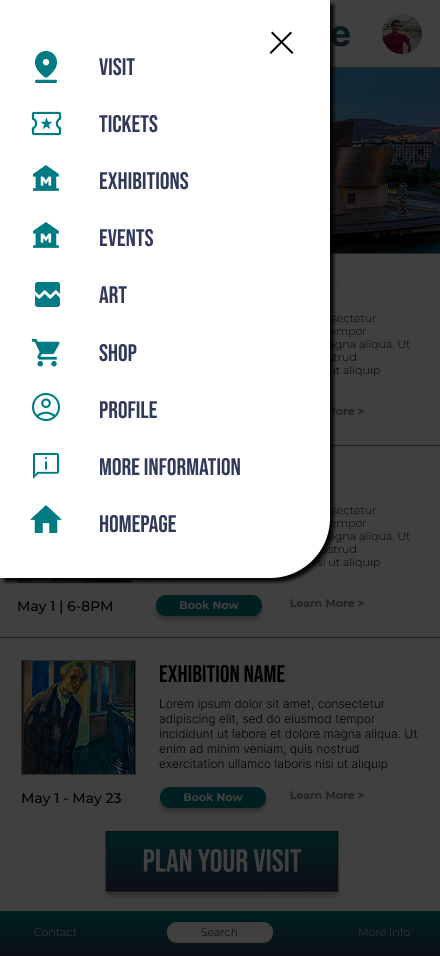
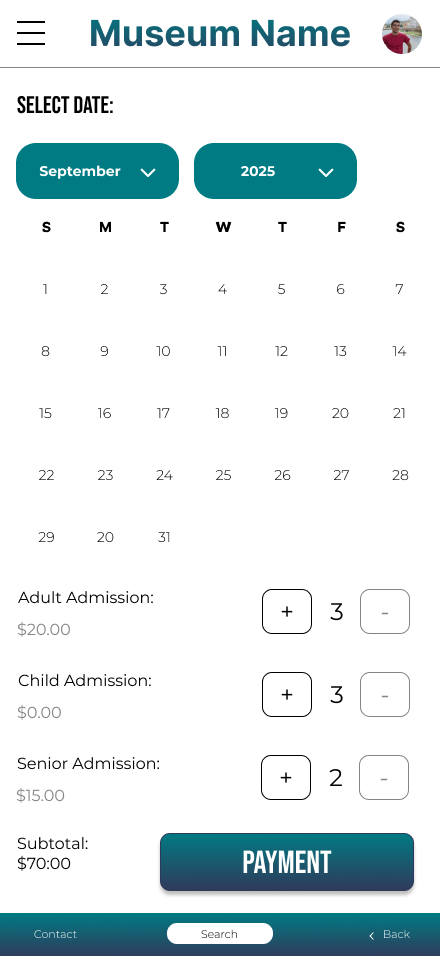
Mockups
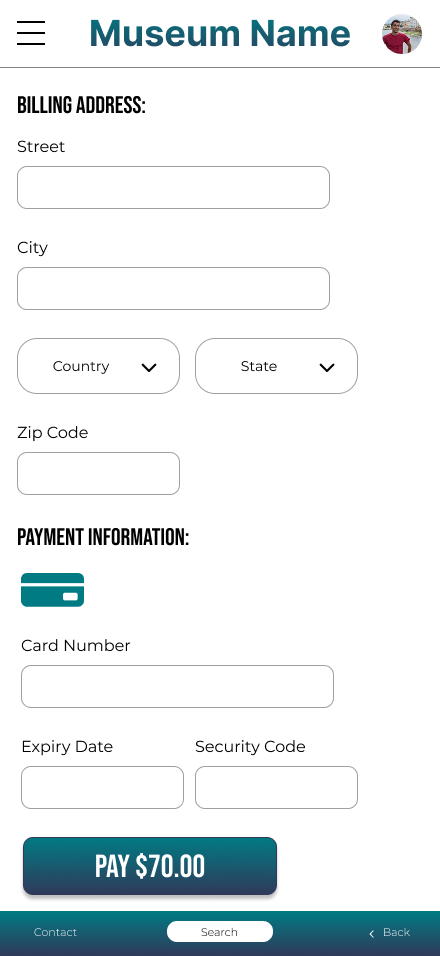
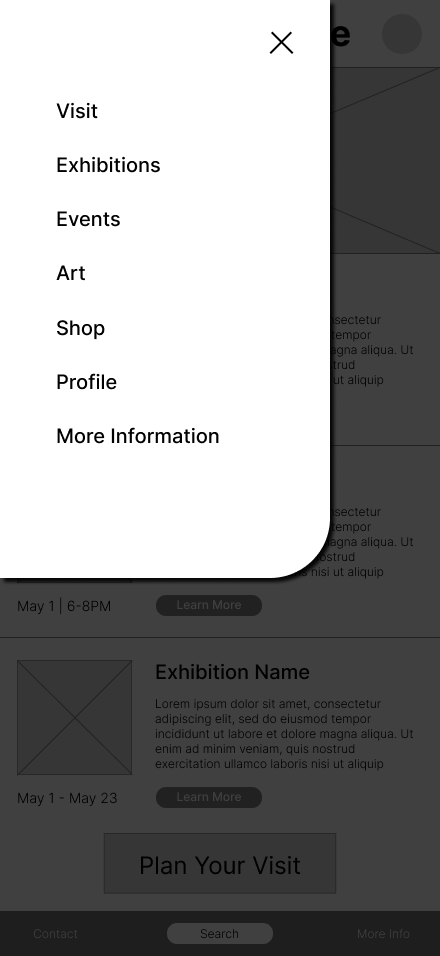
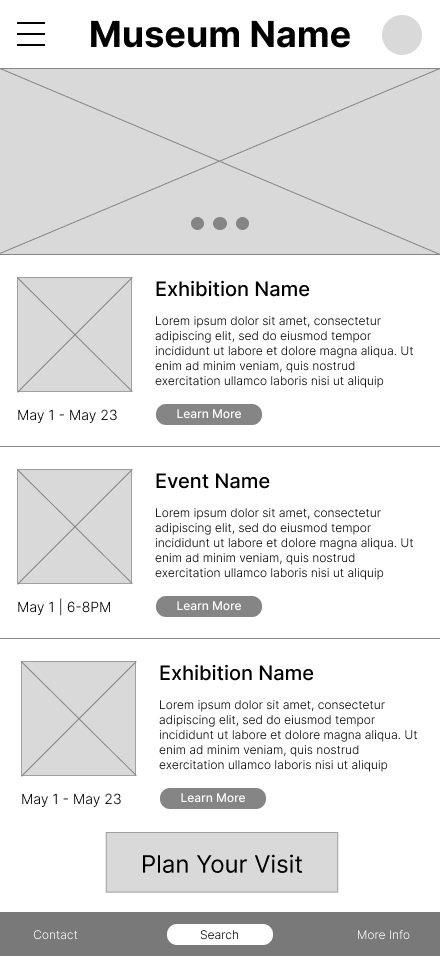
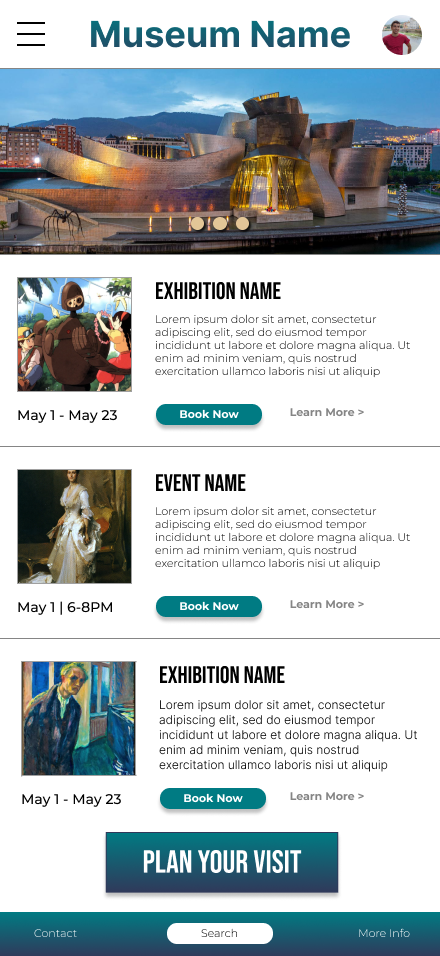
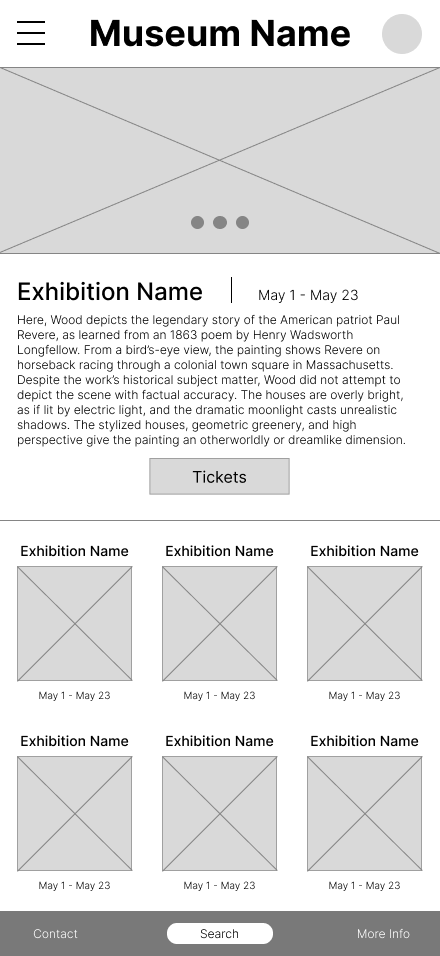
Digital Wireframes

Prototypes
The museum app creates a more intuitive, accessible, and engaging experience for visitors by streamlining navigation and prioritizing key actions such as planning a visit, booking tickets, and exploring exhibitions. By improving information architecture, visual hierarchy, and access to essential features, the app reduces friction and enables users to achieve their goals quickly and confidently. This improved experience encourages deeper engagement with museum content while supporting the museum’s goals of accessibility, increased attendance, and community outreach.
Through this project, I strengthened my ability to balance user needs with visual design decisions, learning how research-driven insights can directly inform layout, hierarchy, and interaction choices. I gained valuable experience translating usability findings into concrete design improvements and saw how small changes like clearer navigation labels or more prominent calls to action—can have a significant impact on usability. Overall, this project reinforced the importance of iteration, accessibility, and thoughtful decision-making in creating effective, user-centered digital experiences.
Portfolio Project 2 - Museum Website
Product
A desktop-focused website for a public art museum created to showcase exhibitions and events, share important visitor information, and support users in planning and scheduling their visits.
My Role
This was a solo project where I owned the full design process from start to finish as a UX design student with experience in web and UI design, concentrating specifically on desktop interactions.
Project Goals
The objective was to design a clear and accessible museum website optimized for desktop use that helps users easily explore exhibitions and events, access essential museum details, and plan a visit without friction. The design prioritizes usability and engagement to encourage increased attendance and interaction with museum content.
Target Users
The primary users of the desktop website are museum visitors and prospective patrons, including locals, tourists, first-time visitors, and returning guests. These users represent a broad range of ages and technical skill levels and commonly rely on desktop or laptop devices to research exhibitions, plan visits, and purchase tickets.
User Research
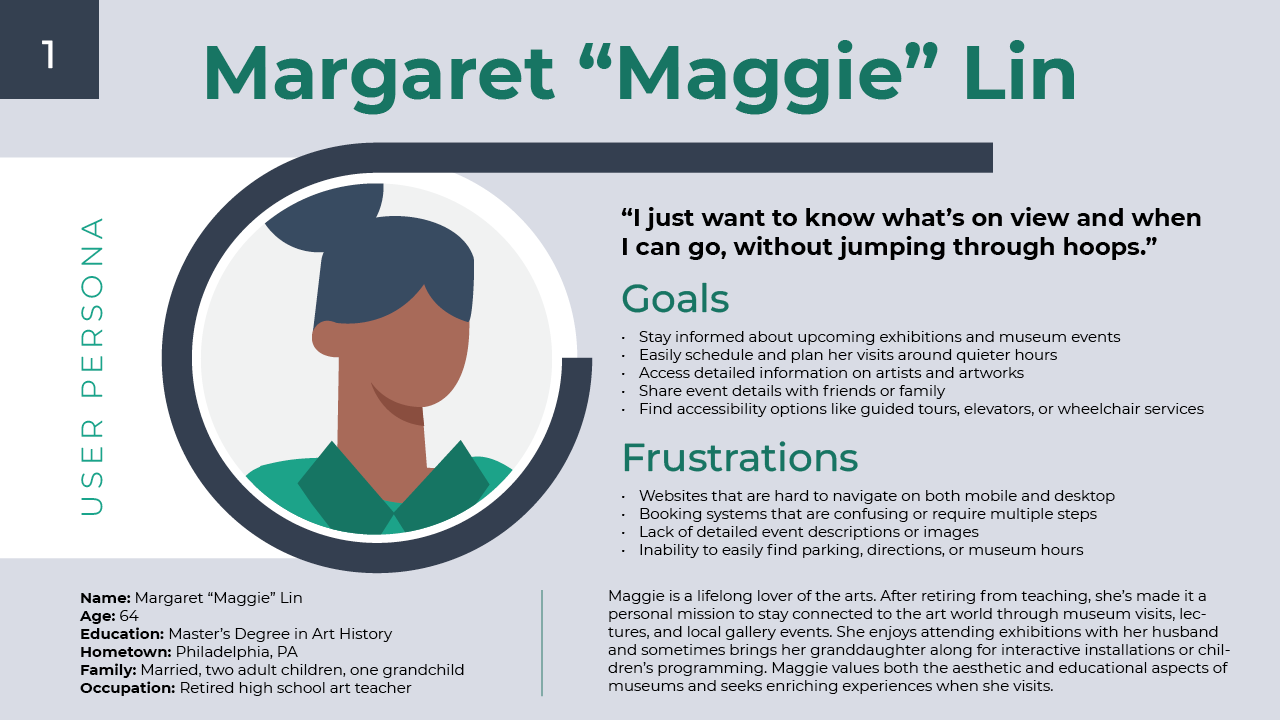
I conducted a mix of secondary research and user interviews to better understand the needs and behaviors of museum visitors. Insights from this research showed that a large portion of museum-goers are older, highly educated adults. This finding guided my design decisions, reinforcing the importance of strong readability, clear information hierarchy, and accessibility for a desktop-oriented audience.
Overview
User Persona
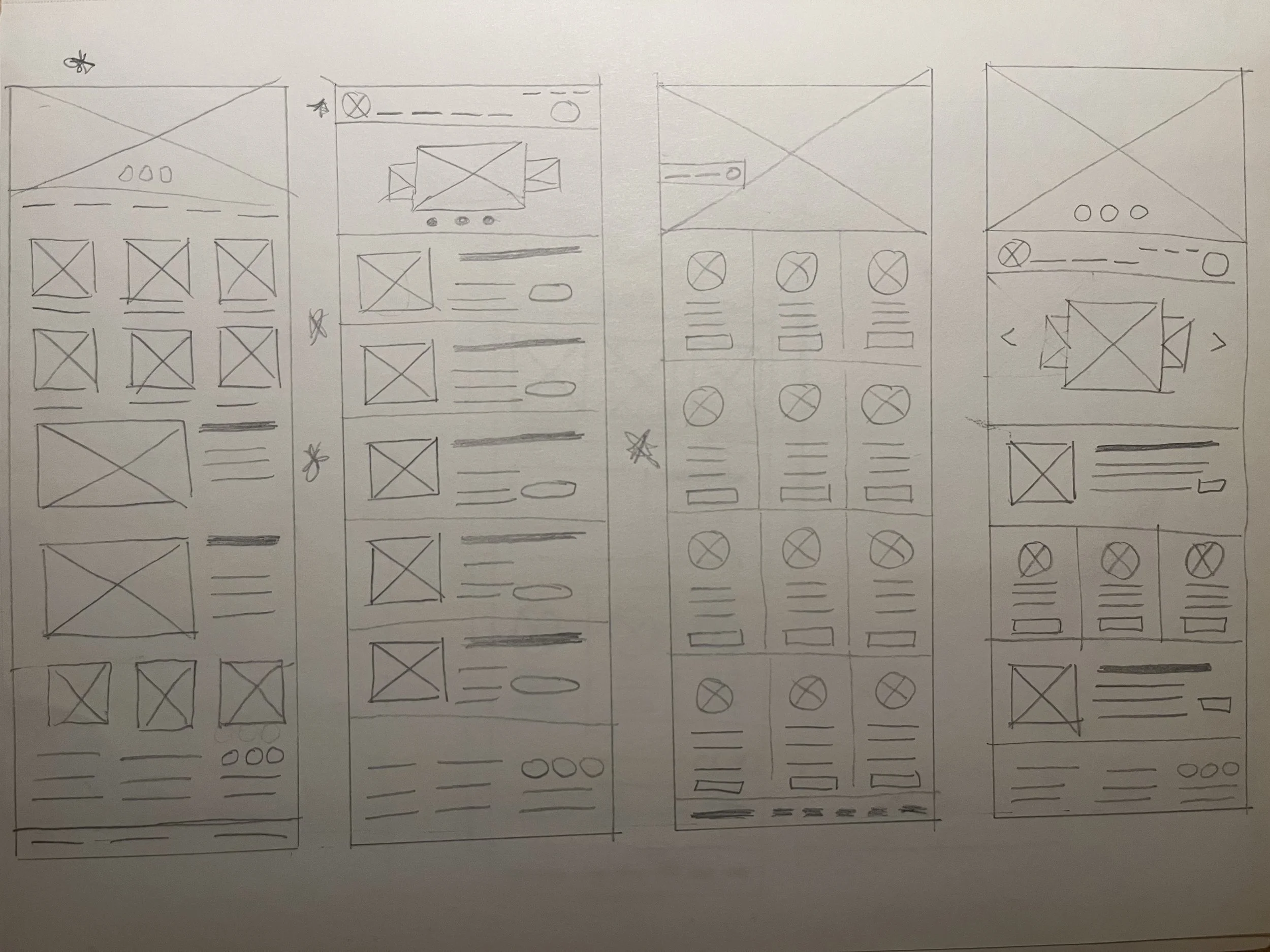
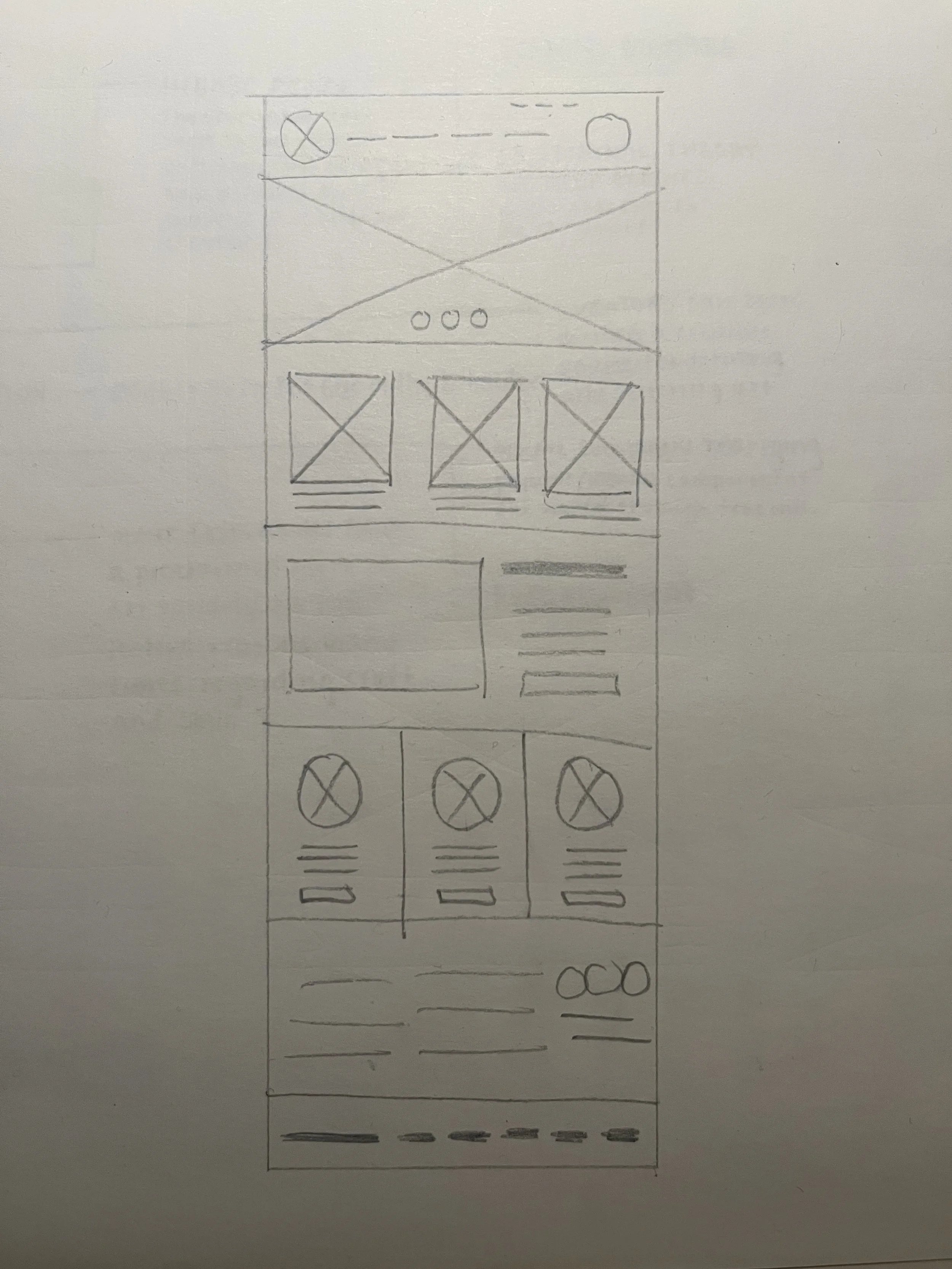
Paper Sketches
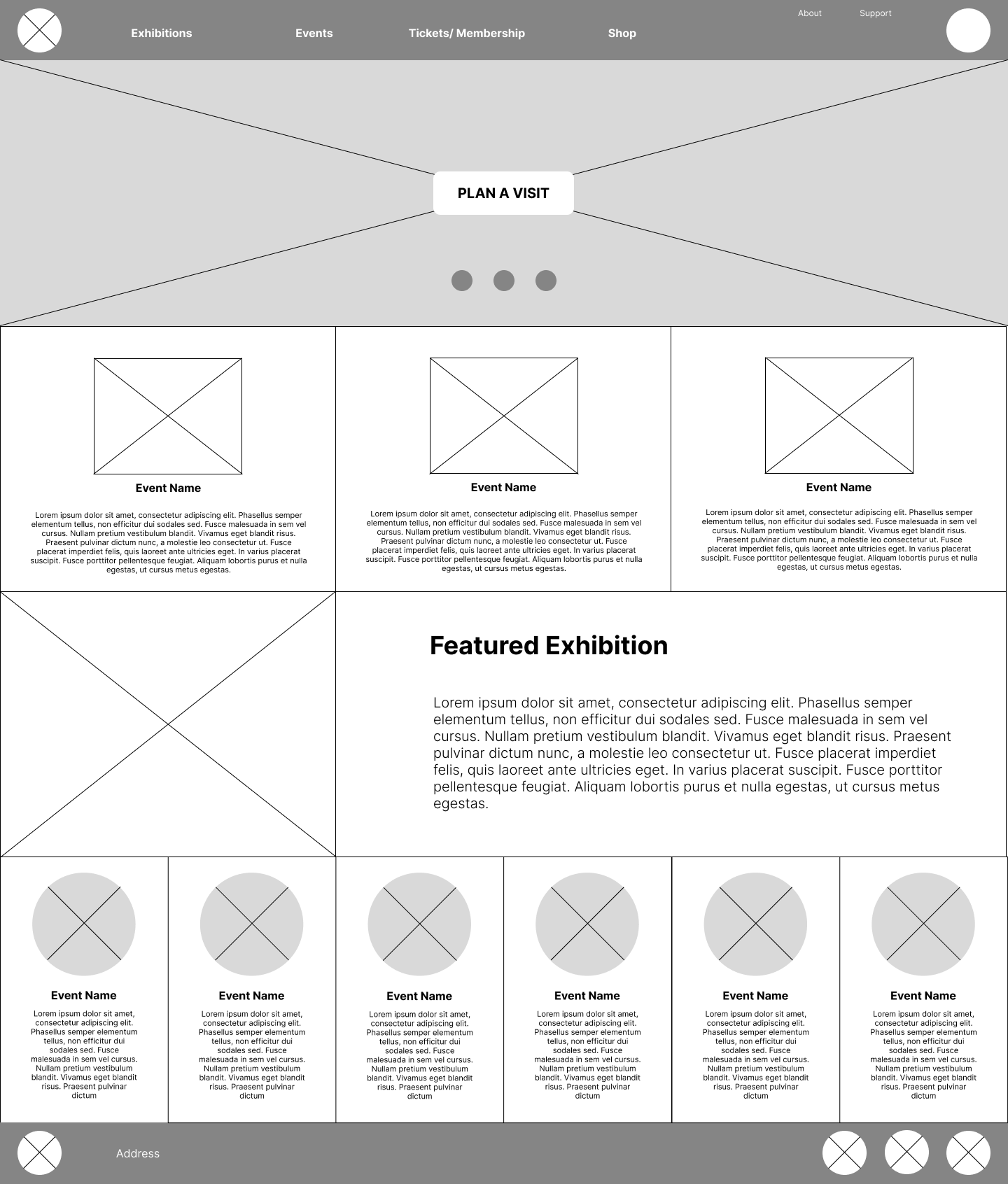
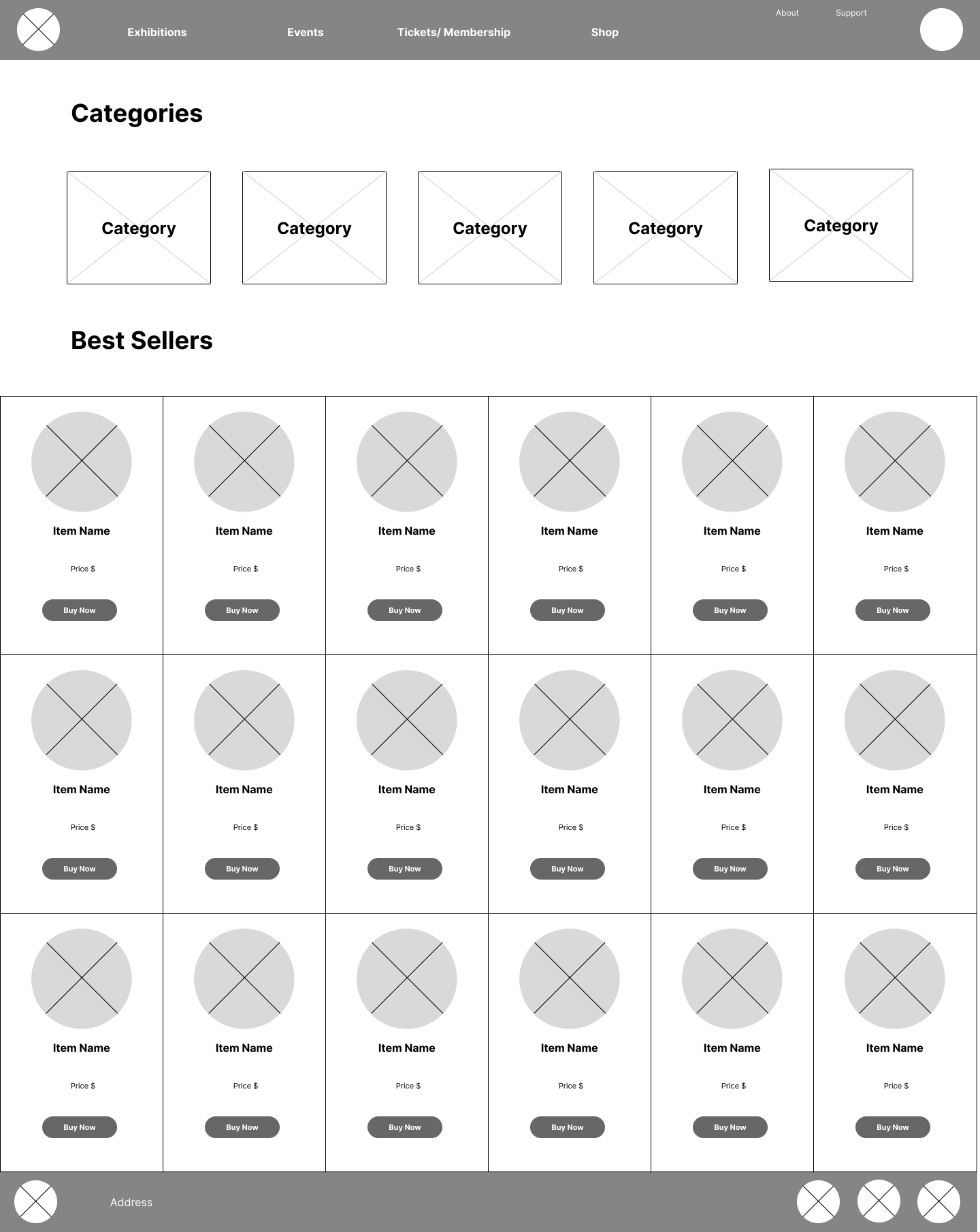
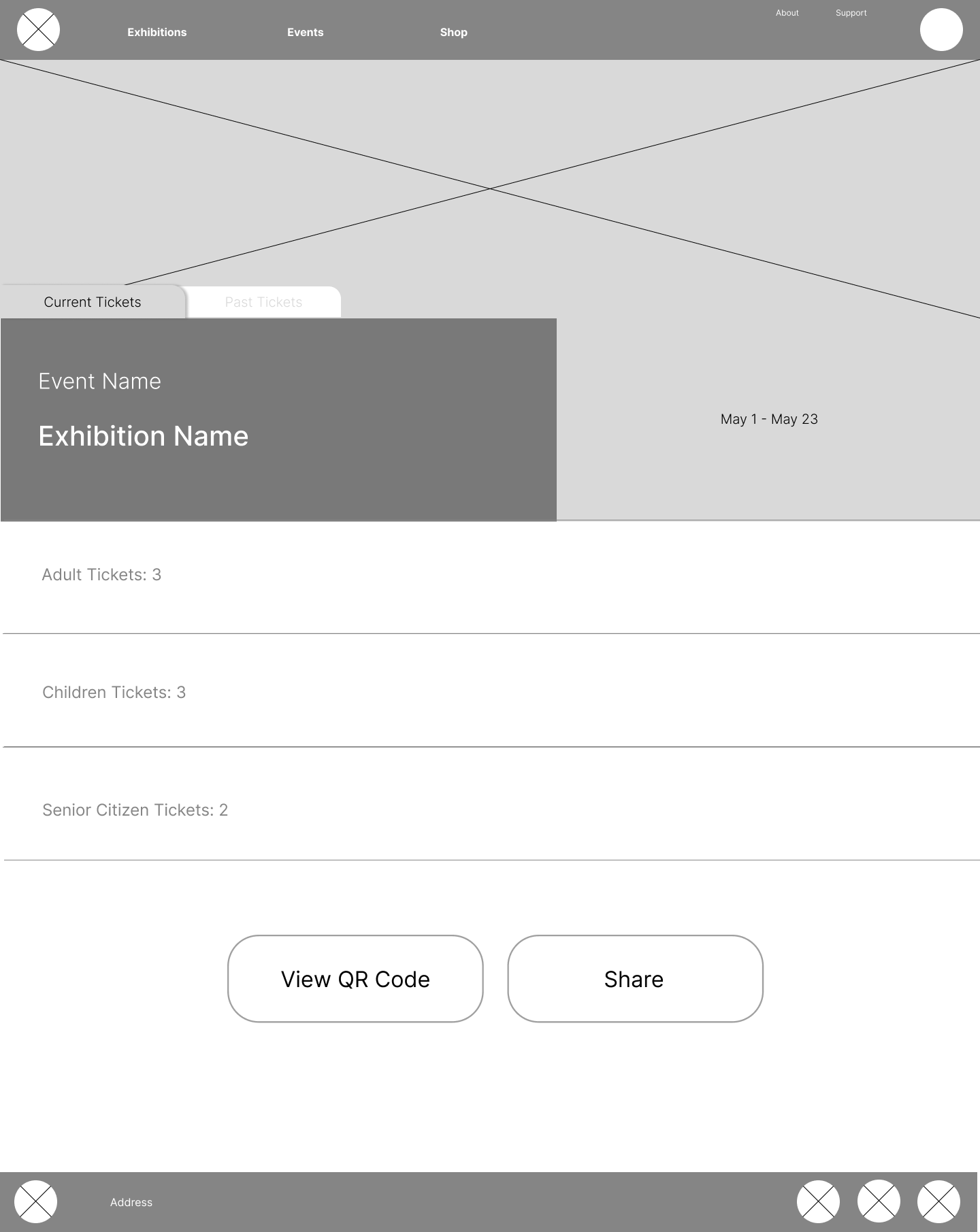
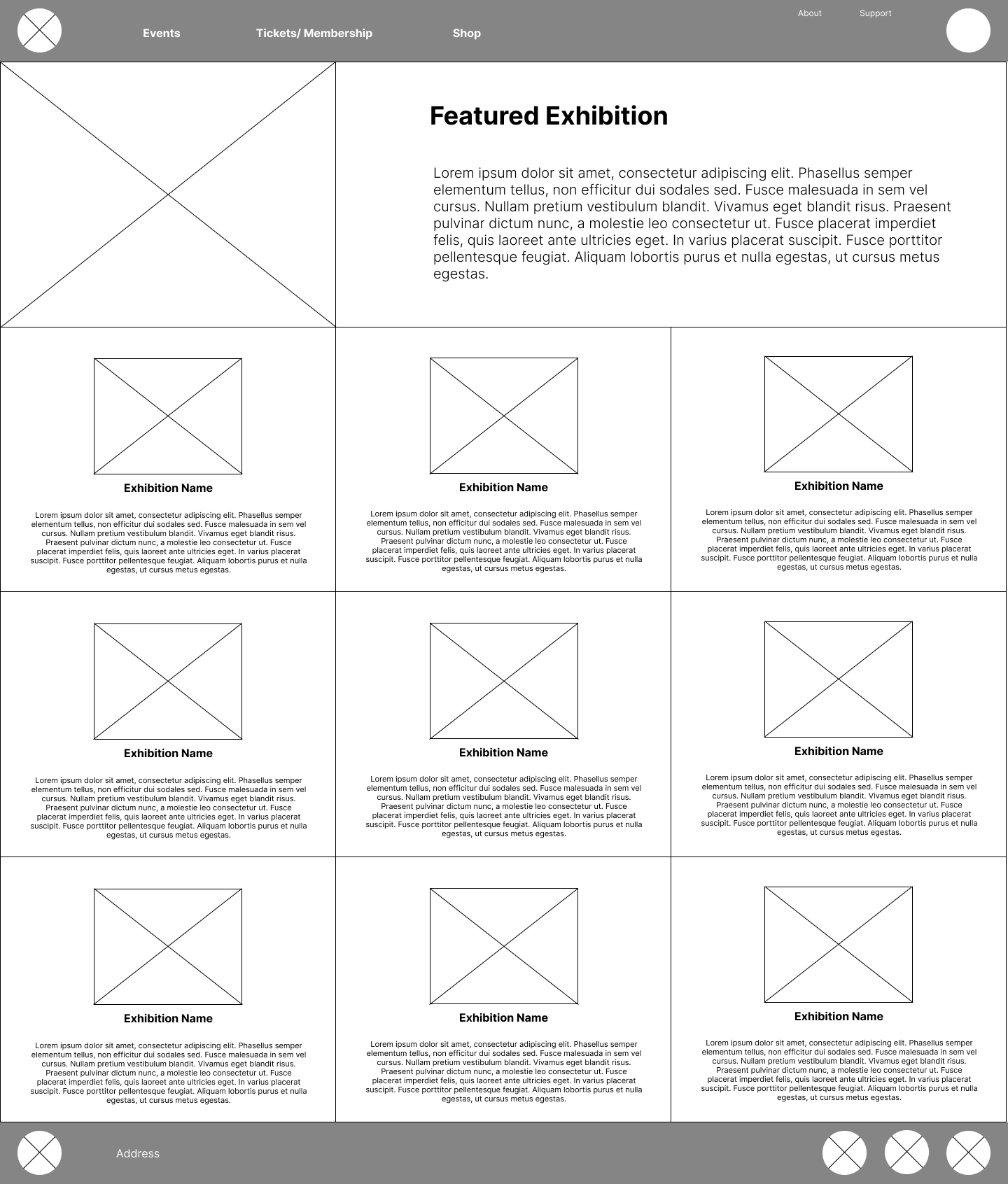
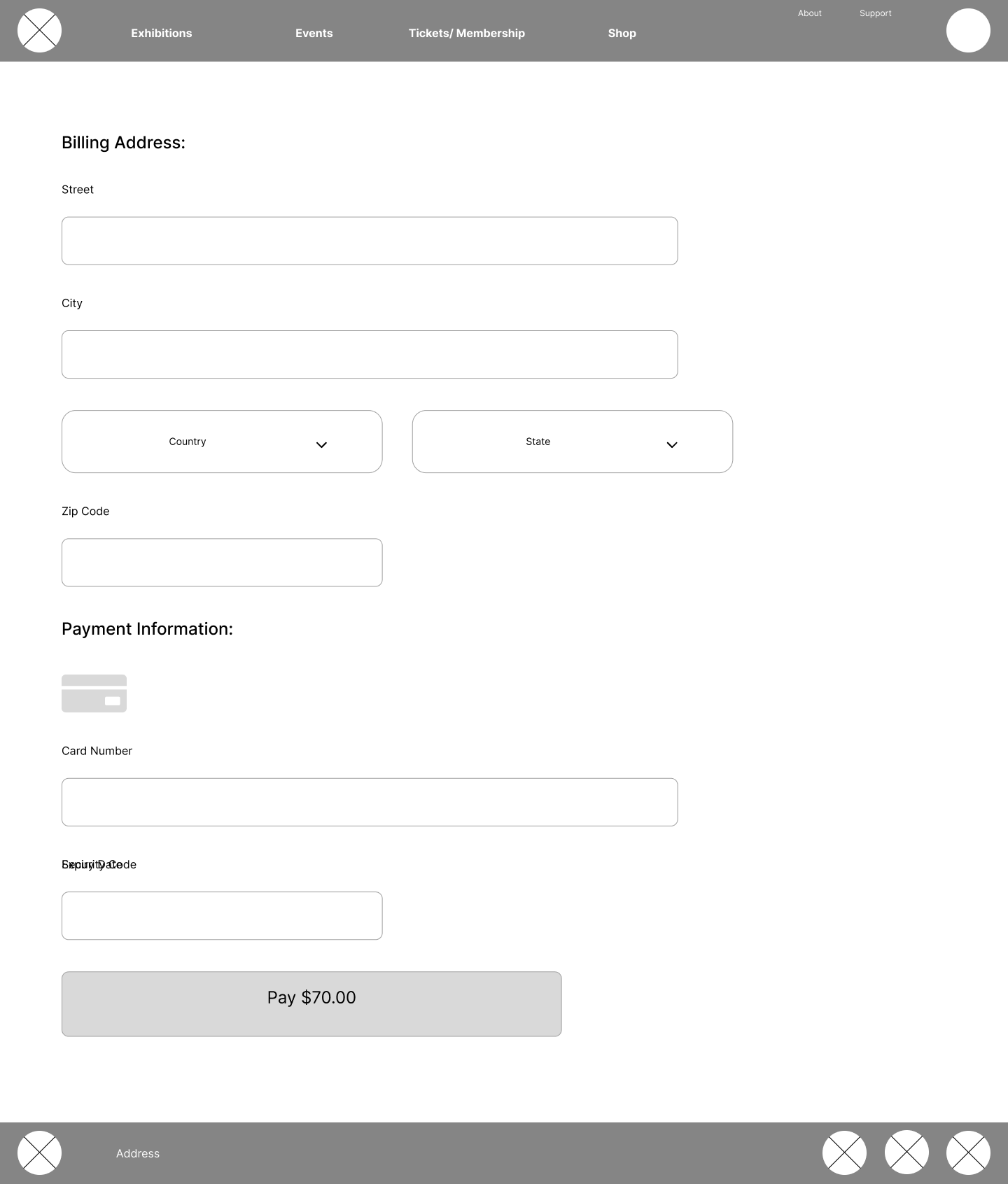
Digital Wireframes
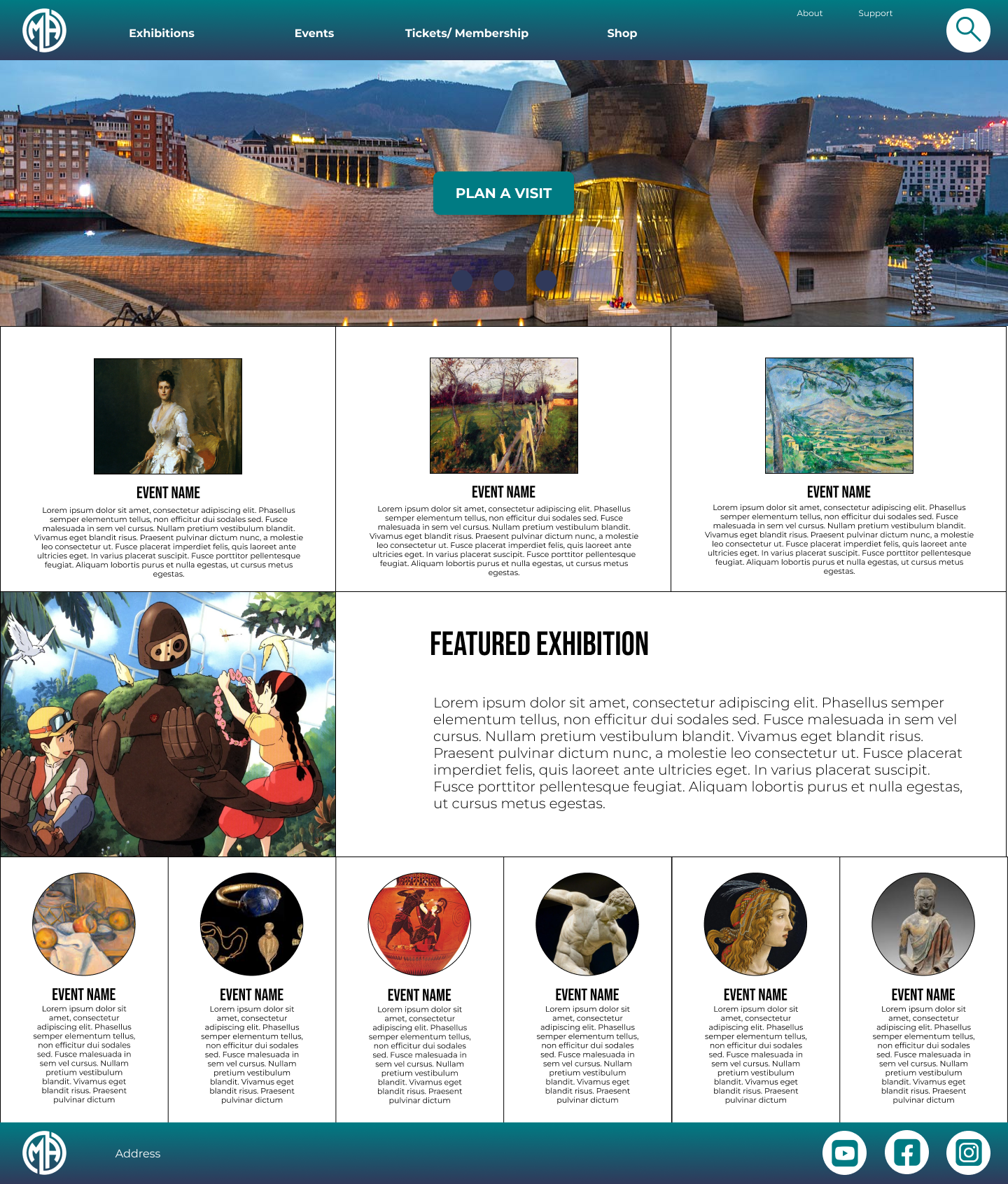
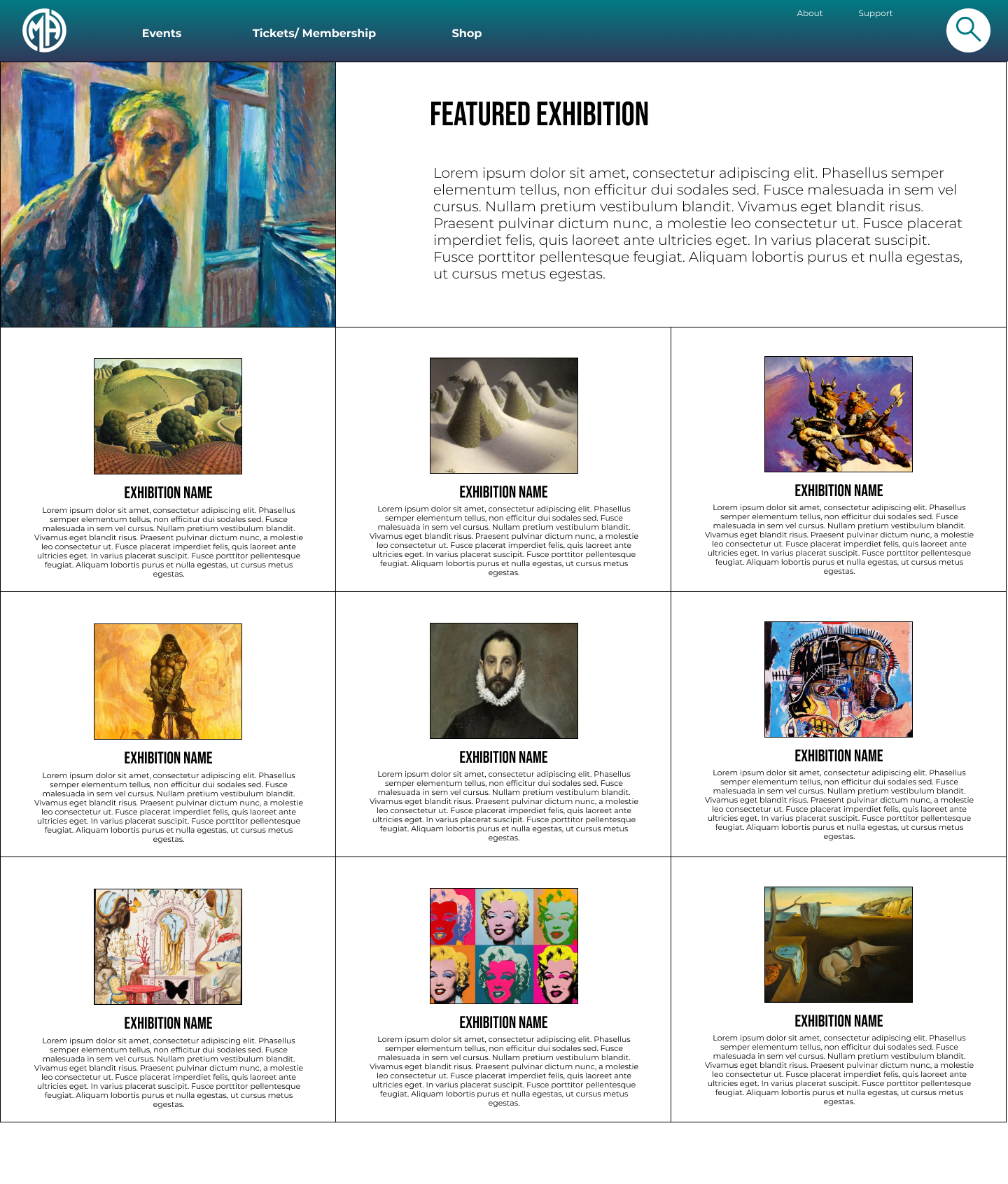
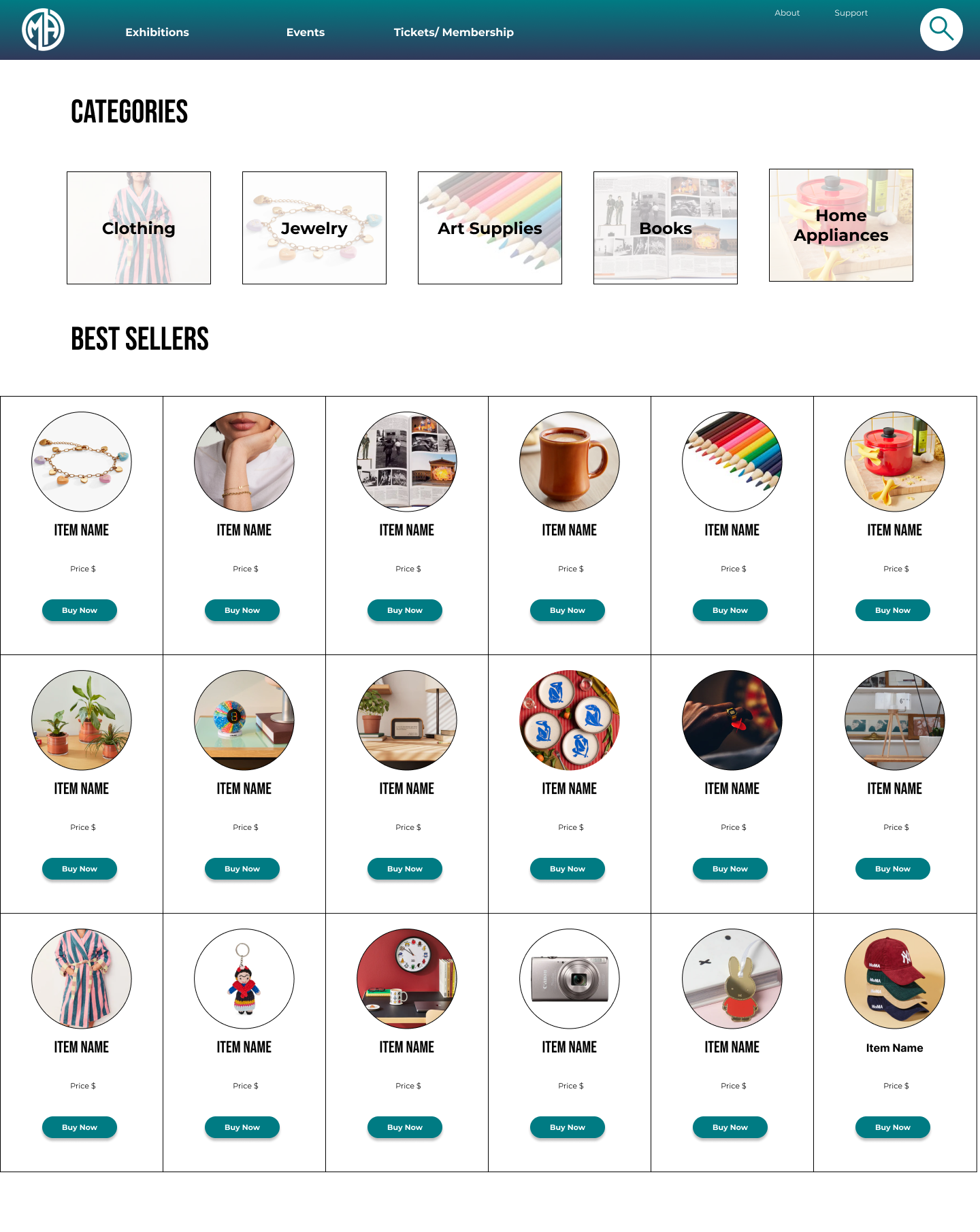
Mockups

Prototypes
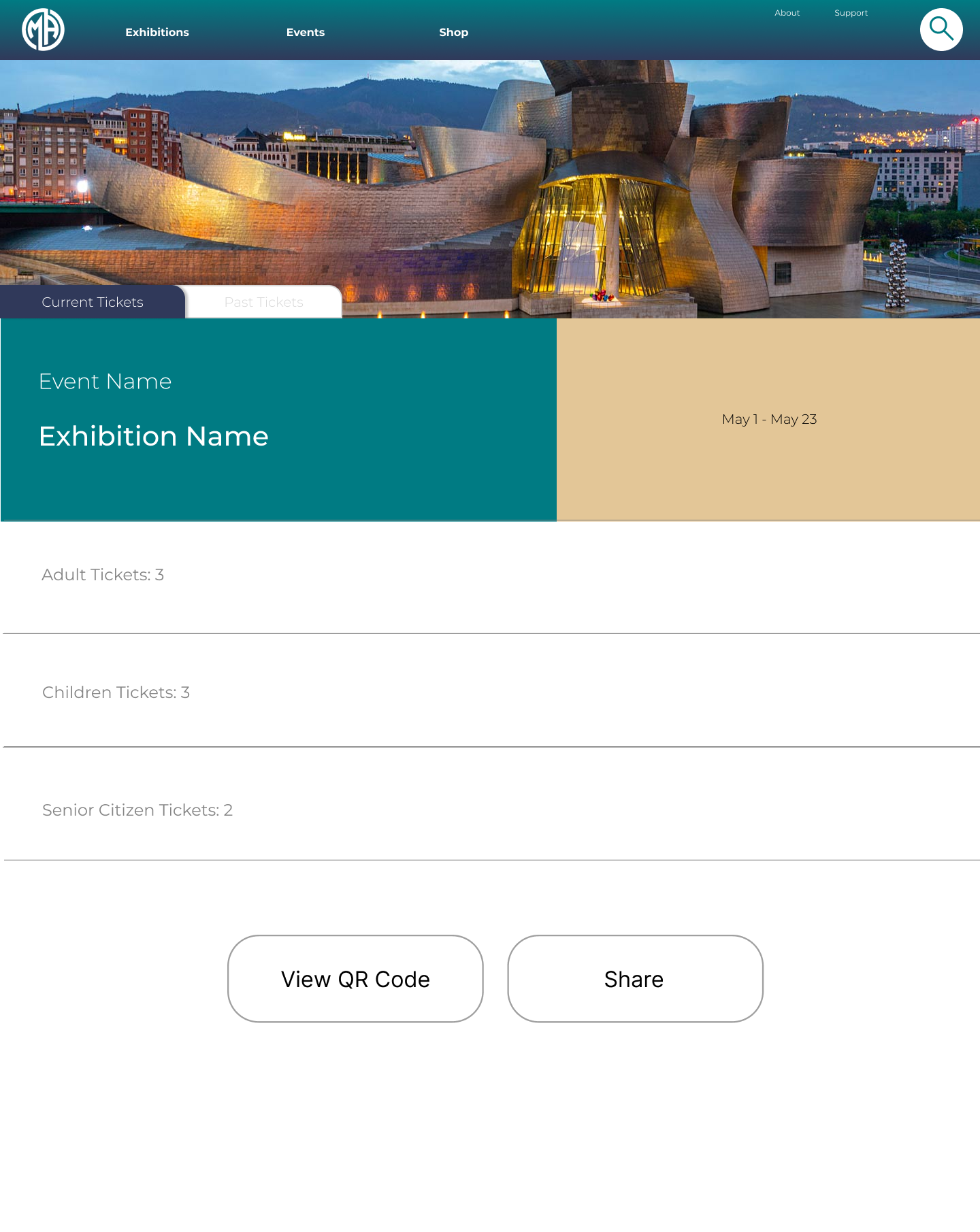
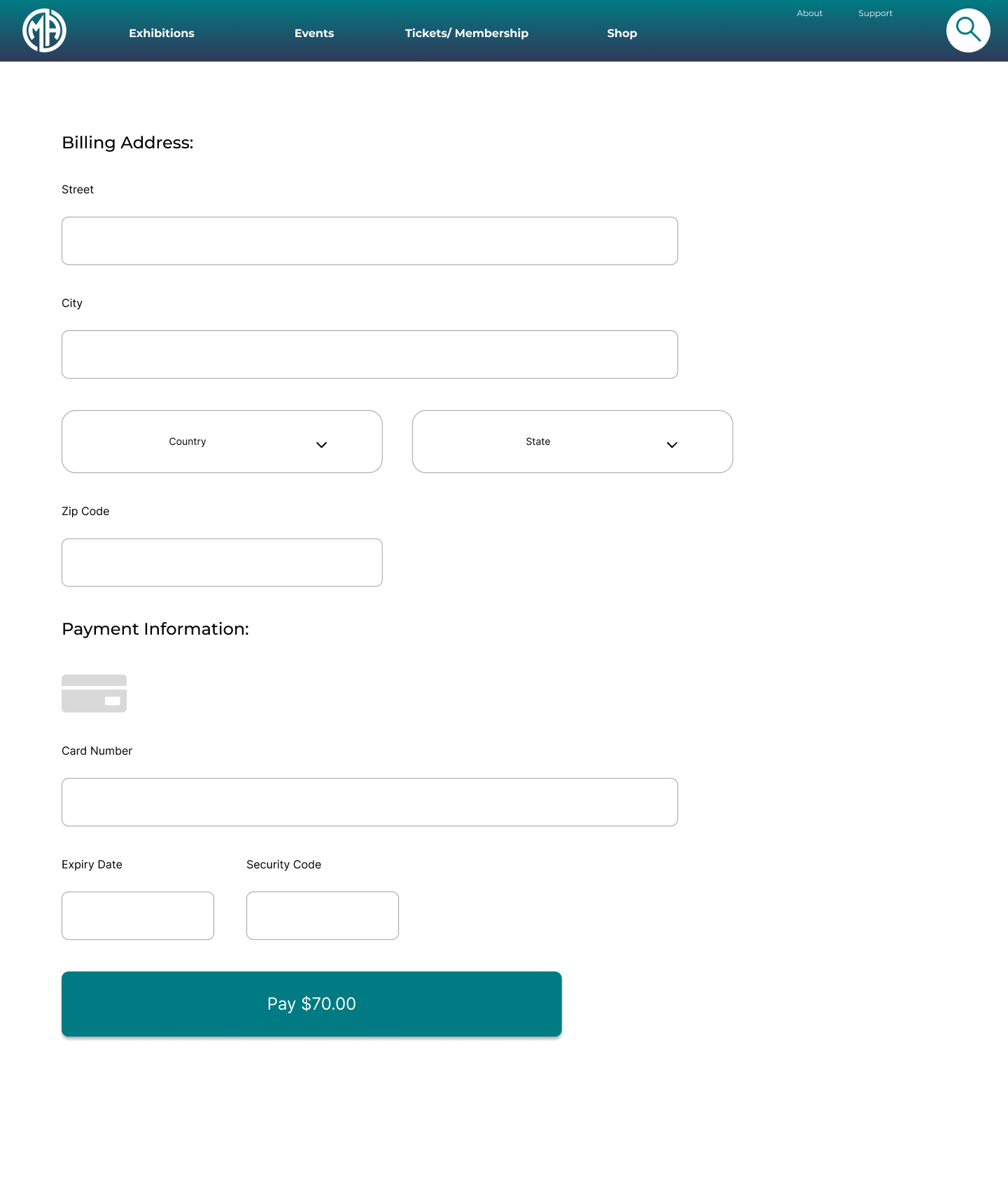
The museum’s desktop website is designed to make visiting and exploring the museum easier and more enjoyable by focusing on clarity and usability. Streamlined navigation and prominent calls to action guide users toward key tasks like planning a visit, purchasing tickets, and discovering exhibitions. With a clear structure and thoughtful visual hierarchy, the site minimizes confusion, builds user confidence, and helps the museum better connect with its audience while promoting accessibility and increased attendance.
This project helped me deepen both my design thinking and technical skills by connecting user research directly to visual and interaction decisions. I developed stronger proficiency in Figma while creating wireframes, mockups, and prototypes, and learned how to plan and conduct user research that meaningfully informed the design. Applying usability insights to refine layout, hierarchy, and calls to action showed me how even small, intentional changes can greatly improve the user experience. Overall, the process reinforced the value of iteration, accessibility, and research-driven decision-making in building effective, user-centered designs.